Best Cloud LIS for Small Labs: A Practical Guide
Which cloud LIS is best for a small lab?
The best cloud LIS for a small lab supports its test menu, analyzer and EMR connections, QC, and reporting at a predictable total cost. Evaluate those requirements with a demonstration of your workflow and a written quote. Stratus DX is a cloud LIS option for physician office and reference laboratories.

What is a cloud LIS for a small laboratory?
A cloud laboratory information system (LIS) is software hosted outside the lab and accessed through a browser. It helps staff manage orders, samples, instrument results, review, and reporting without maintaining an onsite LIS server.
Starting a clinical laboratory means balancing testing, staffing, documentation, and cash flow. Your laboratory information system should help your team manage that work from the first sample, while giving you room to grow.
A cloud LIS for small labs can reduce the need to buy and maintain an onsite server. It can also bring ordering, instrument connections, quality control, and reporting into one workflow. The right fit depends on your test menu, connections, staff, and budget.
This guide explains what to look for and how Stratus DX supports small clinical labs, physician office laboratories, and growing reference labs.
Why can choosing an LIS be difficult for a startup lab?
New laboratories often need the same core tools as larger organizations, with fewer people and a smaller budget. A system that handles results but leaves the rest of the workflow in spreadsheets can create extra work as volume increases.
Before comparing systems, identify the tasks that take the most time or create the most uncertainty:
- Entering the same patient or order information more than once.
- Moving results manually from analyzers to the LIS or EMR.
- Tracking pending samples, QC, and report-release history.
- Managing user licenses, server maintenance, and backups.
- Delivering orders and results to outside providers.
Use those needs to guide your evaluation. Ask each vendor to show the actual workflow your team will use, rather than relying on a feature list alone.

What features should a small-lab LIS include?
Start with the essentials, then consider the features you may need as the lab expands.
| Evaluation area | What to confirm with the vendor |
|---|---|
| Infrastructure | What is hosted, which computers and internet connection the lab needs, and whether local interface software is required. |
| Total cost | The monthly subscription, interfaces, optional modules, third-party charges, and costs for additional locations or users. |
| Instrument connections | Support for your exact analyzer models and whether the connection handles results only or both orders and results. |
| EMR and billing interfaces | The data exchanged and the responsibilities of the LIS, EMR, and billing vendors. |
| Quality and reporting | QC, audit history, review steps, and the reports your staff and providers use. |
| Growth | Support and pricing for future test menus, outside providers, and additional locations. |
For a more detailed checklist, read how to choose a POL LIS. The questions can also help other small laboratories structure a vendor demonstration.
How does a cloud LIS support reliability and security?
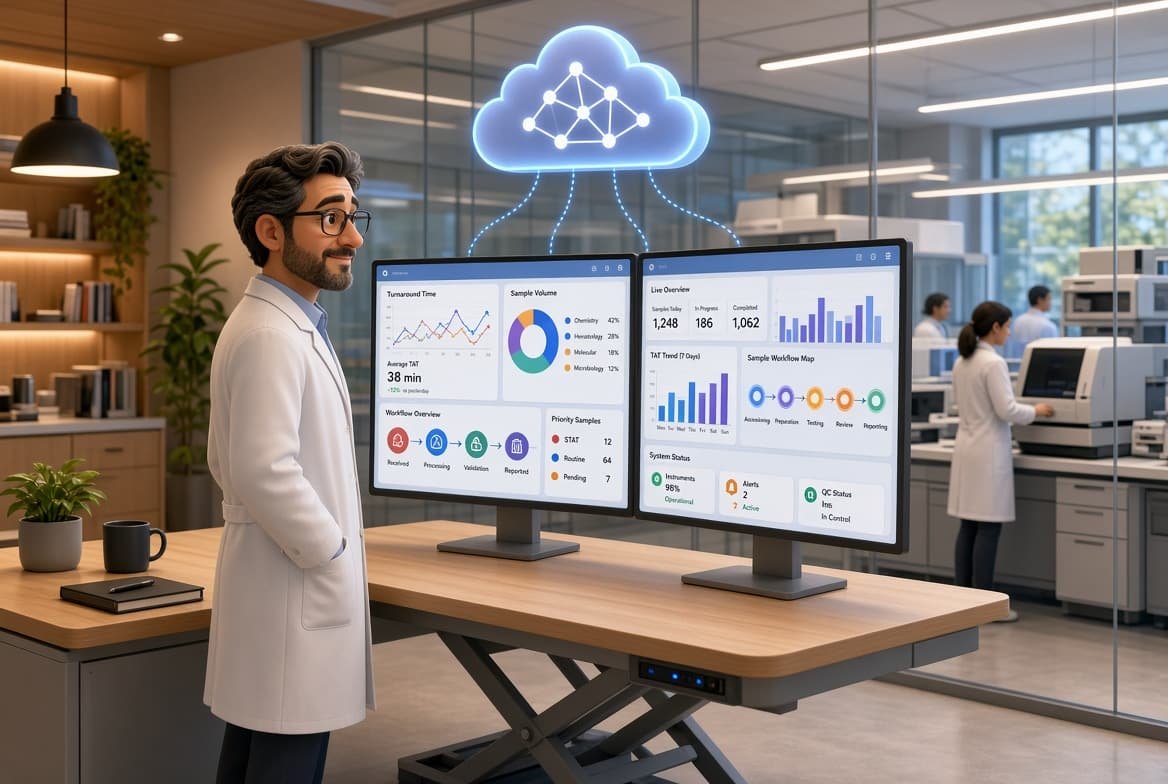
Reliable laboratory software needs to keep information available, support traceable workflows, and provide a clear recovery process. Ask how the system handles backups, access permissions, login history, and support when something goes wrong.
Stratus DX uses a hosted cloud environment with geographically separated data centers, encrypted access, administrator-managed accounts, and backups. Your team accesses the LIS through a browser instead of maintaining its own LIS server.
Laboratories still need their own procedures, staff training, and validation. Review the system with your lab director and the people responsible for your quality program so that software features support the way your laboratory operates.
How much does a cloud LIS cost for a small lab?
A cloud LIS quote depends on the platform, instrument and EMR interfaces, optional modules, and locations in scope. Compare the total monthly subscription and any additional charges; a single advertised price may not describe the configuration your lab needs.
Compare the full cost of a system, including hardware, maintenance, user access, interfaces, training, and any optional services. A low starting price is only useful if you understand what it includes.
Stratus DX offers $0 setup, $0 training, and unlimited users without per-user license fees. Your quote should identify the platform, interfaces, and modules included in your monthly subscription. Review the scope for additional locations and third-party vendor charges as well.
Automation can also reduce repetitive tasks. Instrument connections, barcode labeling, ordering tools, and electronic result delivery help staff spend less time moving information between systems.
Explore Stratus DX pricing for the subscription overview, or request a quote for your lab to compare the configuration you need.
Can one LIS support POL and outreach workflows?
A physician office laboratory may prioritize its EMR connection, analyzers, QC, and reports. An independent lab serving outside providers may also need a provider portal, client management, web order entry, and reliable result delivery.
Stratus DX supports physician office labs and reference laboratories. Its laboratory outreach tools help outside providers place orders and access results through their lab portal.
If you plan to add clients or locations, discuss that plan during your demonstration. Confirm how the system will separate work, manage access, and support the reporting requirements for each part of your organization.

How does Stratus DX connect your lab’s workflow?
A useful demonstration follows a sample through the lab: create the order, print the label, run the test, review the result, release the report, and deliver it to the provider. Include QC and exception handling so you can see what happens when a result needs attention.
Stratus DX brings ordering, sample management, instrument interfaces, review, reporting, and outreach into one cloud platform. Its interface library supports more than 300 instruments, with HL7 connections available for EMRs, billing systems, and other laboratory systems.
Review the instrument interface library and HL7 integration options with your actual equipment and vendors in mind. A supported product family does not replace confirming the exact model, workflow, and project scope.
You can also explore the reports suite and add-on modules to identify what belongs in your initial configuration and what can be added later.
A practical scenario to use in your LIS demonstration
Ask the vendor to demonstrate one typical order from your lab: receive it from the EMR, print the specimen label, send the order to a supported bidirectional analyzer, review the returned result, and deliver the report to the provider. Then ask what happens if patient information needs correcting or a result requires manual review. Confirm which steps depend on the analyzer, EMR, or another vendor.
How do you choose the best cloud LIS for your lab?
The best cloud LIS for your small lab is the one that supports your testing, connects with your systems, fits your budget, and remains practical for the people using it every day.
Bring your analyzer list, EMR and billing vendors, approximate sample volume, and reporting needs to the discussion. Ask to see your workflow and request a written quote that makes the scope clear.
To discuss your next steps, schedule a Stratus DX demonstration or call 1 (888) 585-5695.
Frequently asked questions
What is a cloud LIS for small labs?
A cloud LIS is a hosted laboratory information system accessed through a browser. It helps staff manage orders, samples, instrument results, review, and reporting without maintaining an onsite LIS server.
Why can choosing an LIS be difficult for startup clinical labs?
Startup labs need to balance their budget with the tools required for testing, interfaces, QC, reporting, and growth. Comparing complete workflows and written project scopes helps clarify the differences between systems.
Is Stratus DX a fit for a physician office laboratory?
Stratus DX supports physician office labs with instrument and EMR connections, barcode labeling, QC, and management reports. Stratus DX is the lower-volume configuration. The right configuration depends on your lab’s workflow and requirements.
How does Stratus DX keep user costs predictable?
Stratus DX includes unlimited users without per-user license fees. Request a quote that identifies the platform, interfaces, modules, and locations in your monthly subscription so you can compare the full scope.
Can a small lab connect analyzers and EMRs with Stratus DX?
Stratus DX supports more than 300 instrument interfaces and uses HL7 to connect with EMRs, billing systems, and other laboratory systems. Confirm your exact instrument models and the responsibilities of each vendor during scoping.
How should we evaluate security and compliance?
Review access permissions, audit history, backups, recovery procedures, and your laboratory’s own policies and validation needs. Stratus DX provides security and workflow tools, while the laboratory remains responsible for its procedures, training, and appropriate use of the system.
Can the system support reference lab or outreach workflows as we grow?
Stratus DX supports reference lab and outreach workflows, including provider access, web ordering, and result delivery. Discuss additional clients, locations, and test menus during planning so their requirements are reflected in your configuration and quote.
How much does a cloud LIS cost for a small lab?
The cost depends on the platform, interfaces, optional modules, and locations your lab needs. Stratus DX provides a lab-specific monthly subscription quote, with $0 setup, $0 training, and unlimited users without per-user license fees. Confirm the included services and any third-party charges in your quote.
Can we switch LIS without stopping our lab’s testing?
Stratus DX can be set up alongside your existing system while your team continues working. The transition includes importing patient demographics and preparing your team before go-live. Agree on the cutover plan, validation steps, and interface responsibilities for your lab before making the switch.